AI website builder inside kiap.ai
A site for the business you actually run.
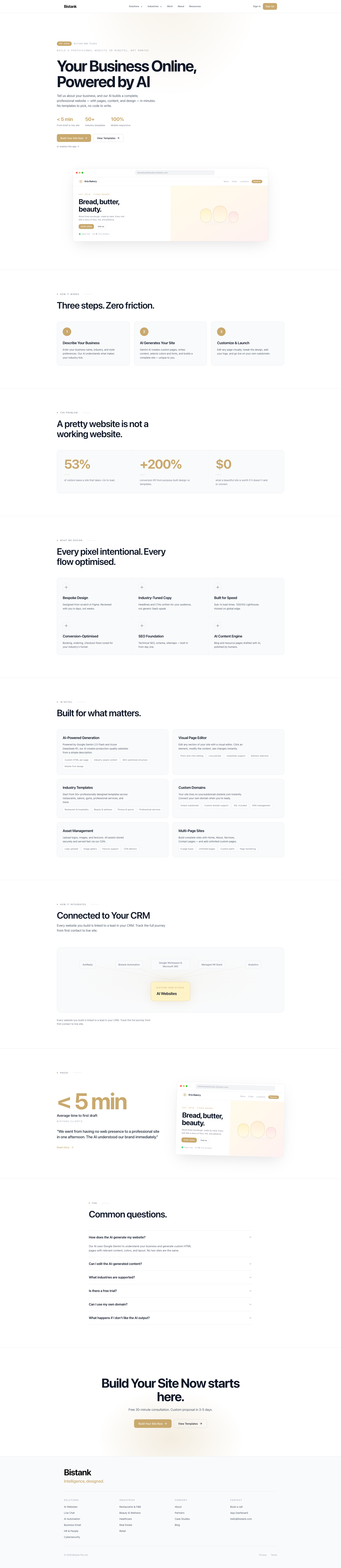
Tell Kiap what you do. It drafts the pages, the copy and the layout. You edit, then publish on your domain. No template picker, no code.
How it actually starts.
Describe the business
Name, industry, how it should feel. That is enough to start a draft.
Kiap writes the pages
Home, about, services, contact. Copy and layout land together so you can click through a real site.
Edit and publish
Change the words, add the logo, connect the domain. Then it is live.
A pretty homepage is not a working site.
spent briefing a designer, then waiting, then briefing them again.
leads from a site that never ranks, never books, never takes an order.
login. The site sits next to your CRM, invoices and chat.
Pages you can ship, then keep editing.
Draft from a brief
Name, industry, tone. Kiap writes the pages. You change what is wrong.
Copy for the job
Headlines for a salon are not headlines for a freight forwarder. The draft starts from the work.
Fast to load
Hosted on the edge. The site should open before the visitor thinks about leaving.
Booking and orders
The flow matches the business: book, order, enquire. Not a generic contact form if you need more.
SEO basics in
Schema, sitemap, titles. Built when the site is built, not bolted on later.
You edit, AI drafts
Blog posts and extra pages can start as a draft. You publish when it is true.
Under the hood.
Generation
Kiap drafts production pages from a short description. You still own the facts on the page.
- Custom HTML per page
- Copy that names the trade
- SEO structure
- Mobile first
Visual editor
Click a block, change the text, see it immediately. Undo if you overdo it.
- Point-and-click editing
- Live preview
- Undo
- Select any element
Starting points by trade
Restaurants, salons, gyms, professional services and more. A starting layout, not a locked template.
- F&B
- Beauty
- Fitness
- Professional services
Your domain
Live on a subdomain the same day. Point your own domain when DNS is ready. SSL is included.
- Instant subdomain
- Custom domain
- SSL
- DNS help
Images and logos
Upload the logo, photos, favicon. They are stored and served from the same place as the site.
- Logo
- Gallery
- Favicon
- CDN
As many pages as you need
Home, about, services, contact, then whatever else the business needs. Add paths, reorder, keep going.
- Core pages
- Custom paths
- No page cap
- Reorder
Tied to the rest of Kiap
The site is not a silo. Enquiries can become CRM leads. Chat sits on the same pages. One workspace.
The site is not a silo. Enquiries can become CRM leads. Chat sits on the same pages. One workspace.
“The first draft is something to argue with, not a blank Figma file. That is the whole point.”Talk to us
Plug in your numbers.
Your numbers
If those numbers hold
This is arithmetic, not a promise. Your numbers will differ.
Common questions.
How does the site get generated?
You describe the business. Kiap drafts HTML pages with copy, colour and layout. Two businesses in the same trade still get different sites.
Can I edit what it writes?
Yes. Every page and section is editable in the visual editor. The draft is a start. You keep what is right.
What kinds of businesses?
Restaurants, salons, gyms, trades, clinics, agencies, tuition, retail. If your role is on the industries pages, there is a starting point.
Can I try before I pay?
You can generate and preview. You pay when you want it live on a domain people can find.
Can I use my own domain?
Yes. You get a bistank.com subdomain first, then point your own domain when you are ready.
What if I hate the draft?
Regenerate a page, or edit it. You are not stuck with the first pass.
Email us, or open the product.
We reply within a business day. hello@bistank.com.